Create & confirm
Create your account and open the verification email. Confirm your address to activate the account.
 CRIMECODE
CrimeCode / AI code review
Read the code, ask focused questions, and check the answer beside your project. CrimeCode brings AI conversations, selected files and desktop terminal workflows together.
Loading current monthly offer…
Review the current included credit and model usage costs below.
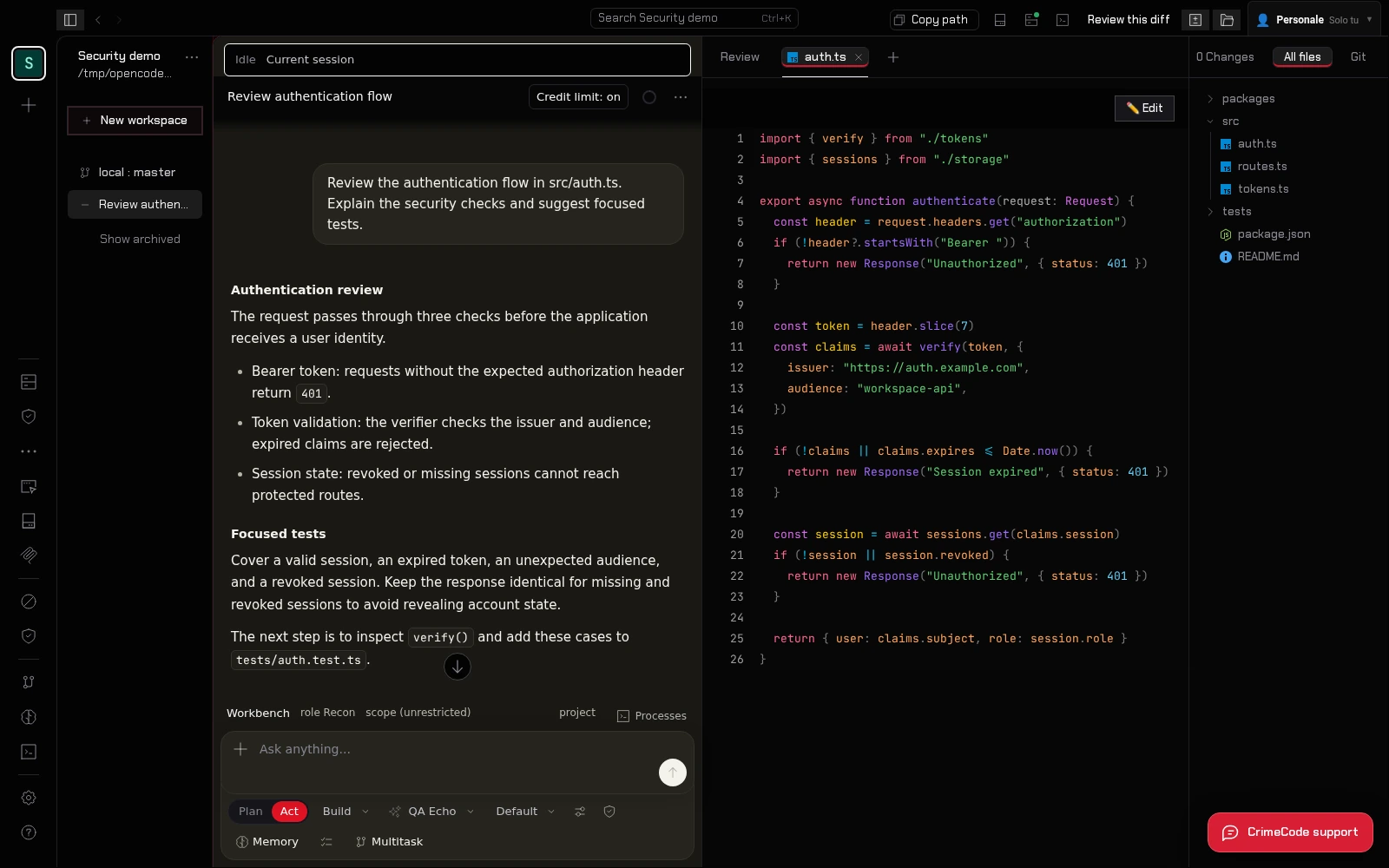
Project context + AI chatChoose the files and provider for your task.
One account-bound licenseWindows, Linux, web and Android access.
Manual plan renewalsReview the current price before every purchase.
See the product
Watch a 90-second extract of CrimeCode Desktop. The video uses the actual product interface.
Sign in with your CrimeCode account, open a desktop project, choose a supported AI provider and share the relevant context. Review the response and use your own checks before applying a suggestion. The steps below explain access and model costs.
From account to licensed access
Create your account and open the verification email. Confirm your address to activate the account.
Review the current price, select card or crypto checkout and complete payment. Your license is issued after confirmation.
Use that account on your devices. Select a supported AI provider or use prepaid CrimeCode model credit.
Start with a small change or a clearly defined component. Describe its intended behavior and include the relevant files, interfaces and constraints in your selected context. A question such as how an input reaches a database operation gives the model a more useful starting point than asking it to approve an entire application.
Work through one concern at a time: input handling, error paths, authorization assumptions or maintainability. Ask for references to the code behind each suggestion. Missing context can change the answer, so keep related callers and configuration in mind as you review.
Read each proposed change before applying it. Use your project's own tests and a disposable development environment to check both expected behavior and failure cases. The desktop terminal is available beside your project, so you can compare the model's explanation with real output and inspect the resulting diff.
AI review can overlook defects or suggest changes that do not fit your architecture. Keep human review, security checks and your normal release process in place. A successful conversation is not a certification that code is safe or ready to deploy.
Use the same CrimeCode account across desktop, web and Android. Shared conversations and team sessions can keep the reasoning available to collaborators; review team roles before sharing project context. The availability of project files depends on your selected workspace or connected host.
Choose a supported external provider or a CrimeCode Cloud model for the task. Model usage and license access are separate costs: the current offers below explain included purchased credit, additional top-ups and manual renewals. Read the guide for setup and the privacy policy for how selected context is processed.
Select a small diff that changes a save or submit action. Try this prompt: Review this diff for duplicate submissions after a request times out. Cite the handlers involved, explain how the UI recovers and propose a test that loses a response before retrying. Distinguish what the diff proves from what requires a server-side check.
Compare the answer with the request code and server's idempotency behavior. In a disposable environment, interrupt the response, retry the action and verify that the saved record and visible UI agree. Keep the smallest useful regression in your project's own tests.
// access plans
Loading current prices and included credit. All plans renew manually; external providers have their own billing.
Loading current offers…
Monthly access · renew manually
Loading included credit…
One year · one-time annual charge
Loading included credit…
One payment · no scheduled license expiry
Loading included credit…
Support / walk-in only: POS terminal (QR + amount). That page does not attach a license — use Pay with Crypto so checkout creates an order first.
Continue exploring
Questions before buying? Read the FAQ, follow the guide or contact CrimeCode support.