Create & confirm
Create your account and open the verification email. Confirm your address to activate the account.
 CRIMECODE
CrimeCode / Desktop, web & Android
Use Windows or Linux for local project work, open the web workspace in your browser, and pick up shared chats and sessions on Android with the same CrimeCode account.
Loading current monthly offer…
Review the current included credit and model usage costs below.
Project context + AI chatChoose the files and provider for your task.
One account-bound licenseWindows, Linux, web and Android access.
Manual plan renewalsReview the current price before every purchase.
See the product
Watch a 90-second extract of CrimeCode Desktop. The video uses the actual product interface.
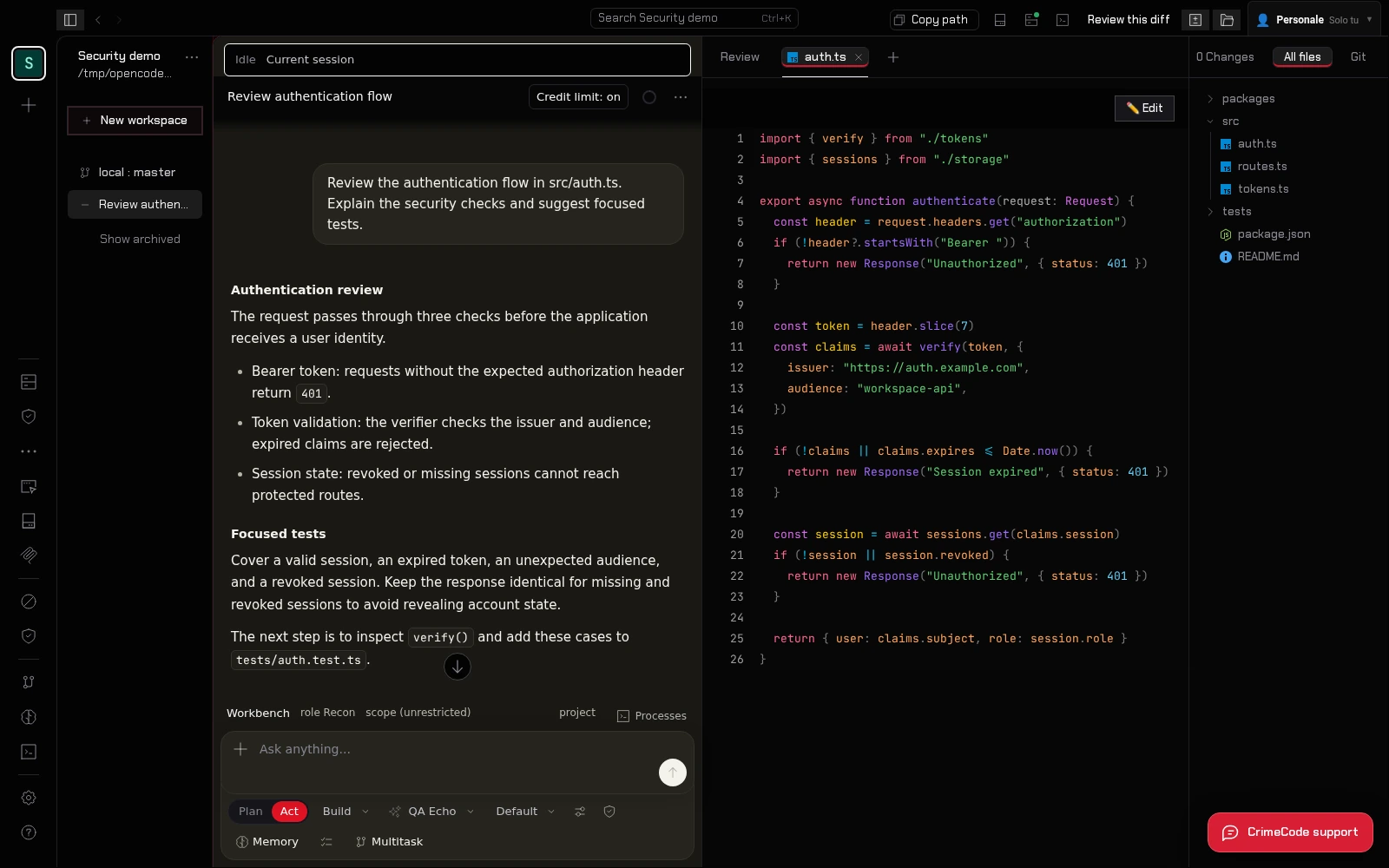
Sign in with your CrimeCode account, open a desktop project, choose a supported AI provider and share the relevant context. Review the response and use your own checks before applying a suggestion. The steps below explain access and model costs.
From account to licensed access
Create your account and open the verification email. Confirm your address to activate the account.
Review the current price, select card or crypto checkout and complete payment. Your license is issued after confirmation.
Use that account on your devices. Select a supported AI provider or use prepaid CrimeCode model credit.
The desktop app is the place for local project files and integrated terminal work. Download the Windows x64 installer or Linux x64 AppImage from the official links, sign in, and open the workspace you want to use. The desktop runtime provides the local filesystem and terminal connection.
Choose the project context you send to an AI model. Local file access and remote model processing are different parts of the workflow. Use a supported provider or CrimeCode Cloud, and review the relevant provider's billing and data handling before sending sensitive material.
The web app uses the same account and account-bound license. Open app.crimecode.cc to sign in and continue browser-supported workflows. Shared chats, preferences and workspace references can help you continue work across devices; access to files depends on the workspace or connected host.
A browser session does not automatically expose another computer's local files or terminal. Keep the desktop app or the appropriate workspace connection available when your task depends on that environment. Review the guide for setup rather than copying private access tokens between devices.
Install the official CrimeCode Android APK and sign in with the same account. The Android companion is designed for shared conversations and sessions when you are away from your desktop. It complements the desktop workflow; it does not promise an identical local development environment on a phone.
To get started, create an account and confirm your email. Choose a plan and complete payment; the license is issued to that account after confirmation. Sign in on the other surfaces with that account. Monthly and annual renewals are manual, and the current catalog below explains model credit and additional usage.
Start on the desktop with a local project and a focused review question. Share only the context needed for that conversation. When you leave the desktop, sign in to the same account on Android to continue a shared conversation, record a follow-up question or read the reasoning already available there.
Return to the desktop or an appropriate connected workspace when you need local files, terminal output or tests. Confirm which workspace owns the project before continuing from the web. This keeps the account and conversation consistent while respecting each surface's access to files and tools.
| Surface | Best suited to |
|---|---|
| Windows & Linux | Local project files, AI conversations and integrated terminal work. |
| Web | Browser-supported workflows; project access depends on the workspace or host. |
| Android | Shared chats and sessions while away from the desktop. |
// access plans
Loading current prices and included credit. All plans renew manually; external providers have their own billing.
Loading current offers…
Monthly access · renew manually
Loading included credit…
One year · one-time annual charge
Loading included credit…
One payment · no scheduled license expiry
Loading included credit…
Support / walk-in only: POS terminal (QR + amount). That page does not attach a license — use Pay with Crypto so checkout creates an order first.
Continue exploring
Questions before buying? Read the FAQ, follow the guide or contact CrimeCode support.